Tasks show up while you are busy with something else. Loose Ends takes them in one sentence, sorts them on your device and lays them out like a page in a good notebook: calm, clear, made with care.
Download on the App Store Connect Claude ↓
Why I built it#
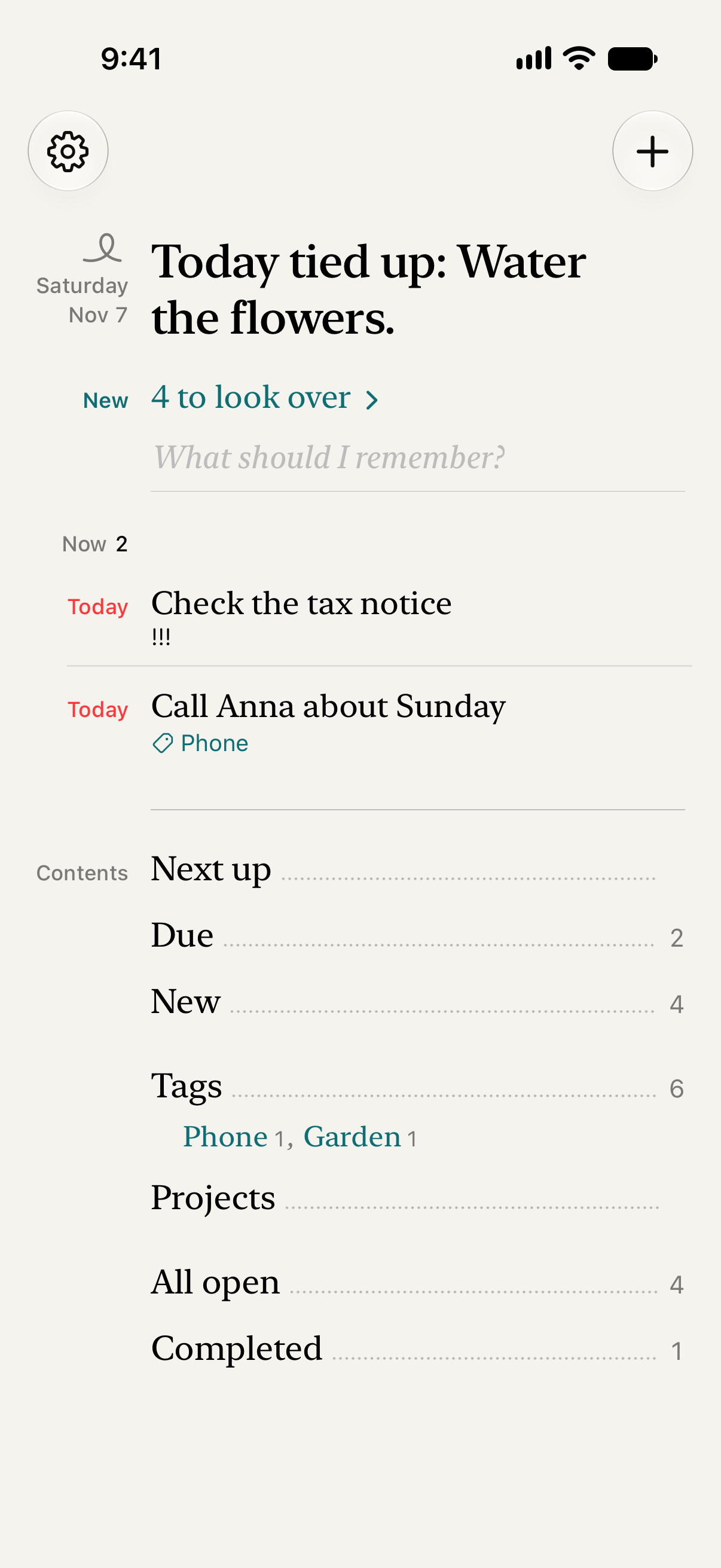
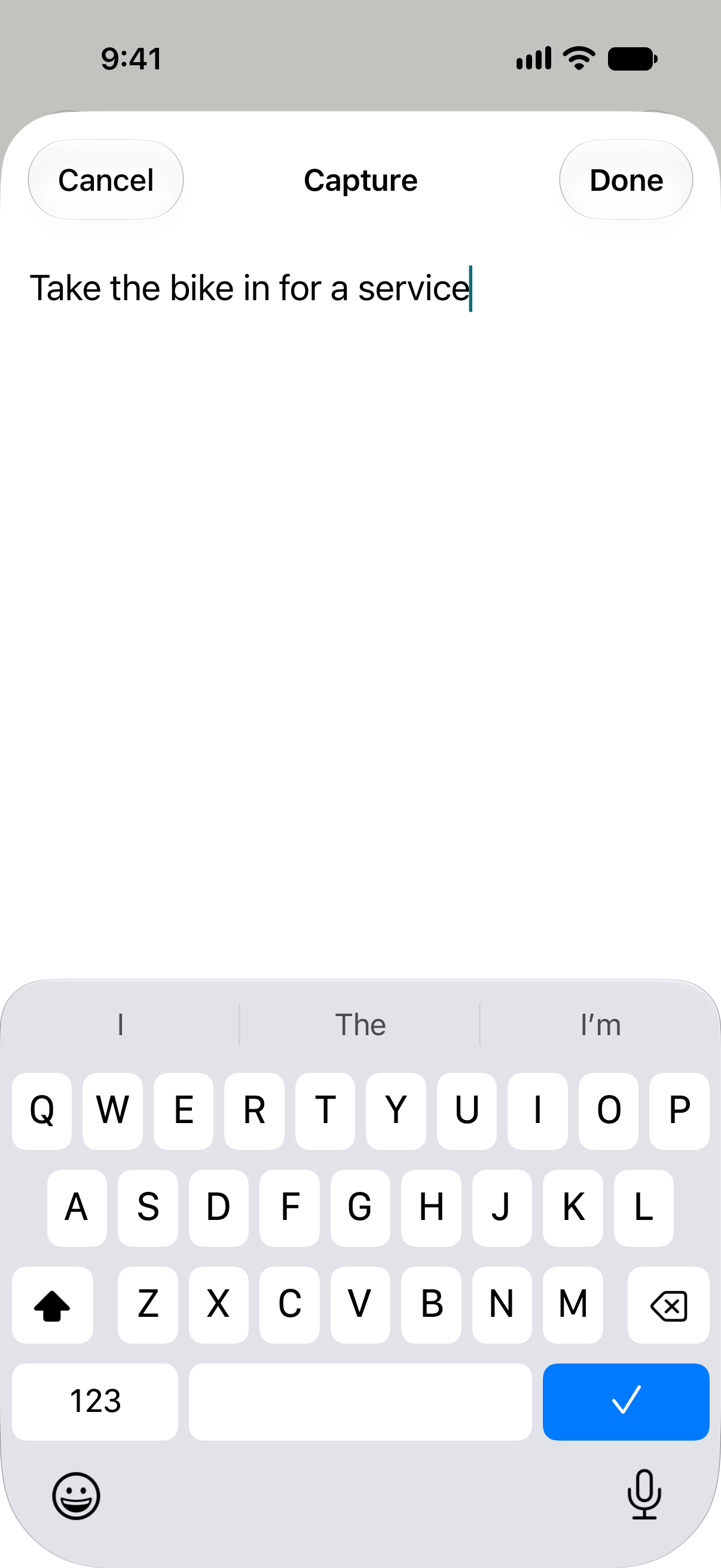
I built it for two reasons. The first: the tasks I lose are the ones that occur to me on the way, on a walk, at the checkout, halfway through an email. By the time I had opened a to-do app and picked a date, a list and a priority, the thought was gone. So Loose Ends asks for one sentence and nothing else, keeps it exactly as I said it and works out the rest by itself.
The second: every to-do app I tried looked like a database. Rows, boxes, badges, a dozen colors shouting at me. I open my task list many times a day, and I wanted to enjoy looking at it. A list I like to open is a list I actually use.
Made to be looked at#
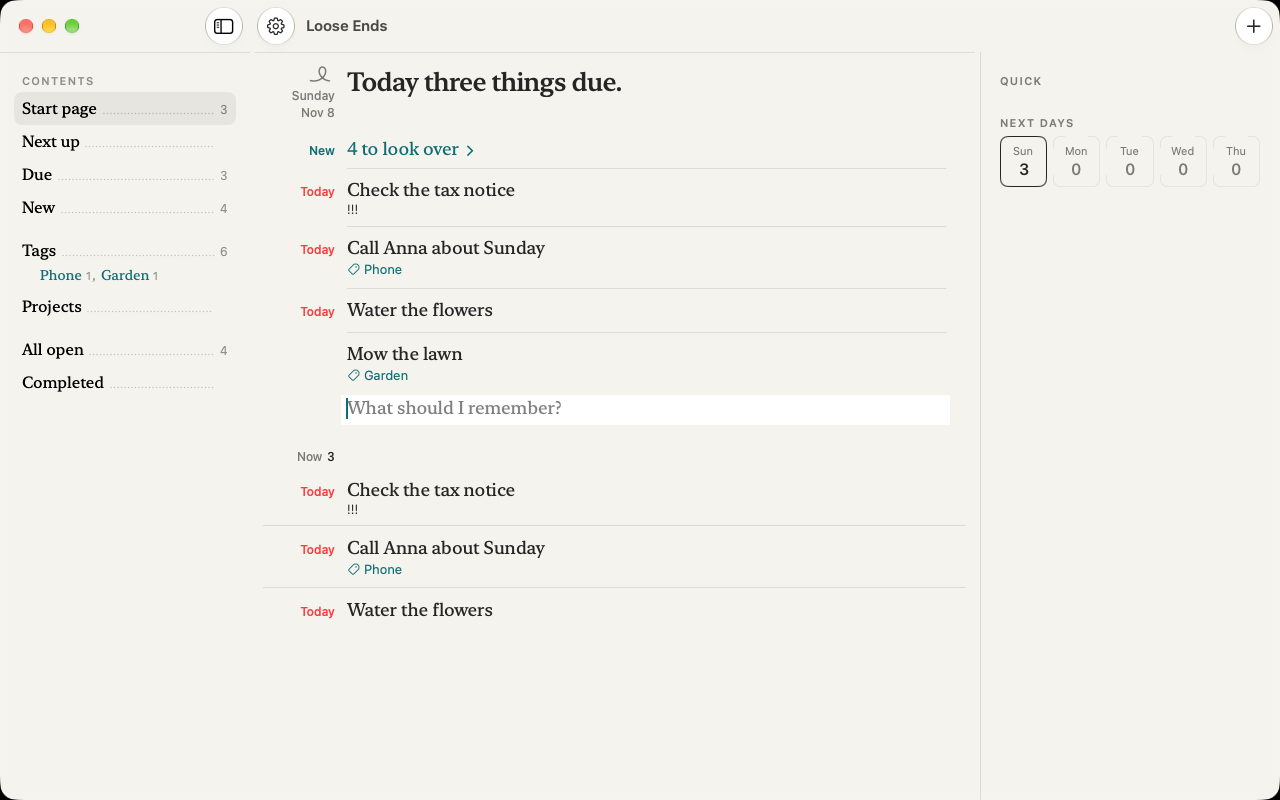
So I cared as much about how Loose Ends looks as about what it does. It should feel like a good notebook: paper instead of cards, type you want to read, the time in the margin like a diary, and color only where it means something. Red is time pressure, green is the moment you finish. When you complete a task, a small knot ties itself. That is all the celebration it needs.
How it works#
- Say it. Type or dictate one sentence: in the app, on Apple Watch, from a widget, the Action button or the share sheet.
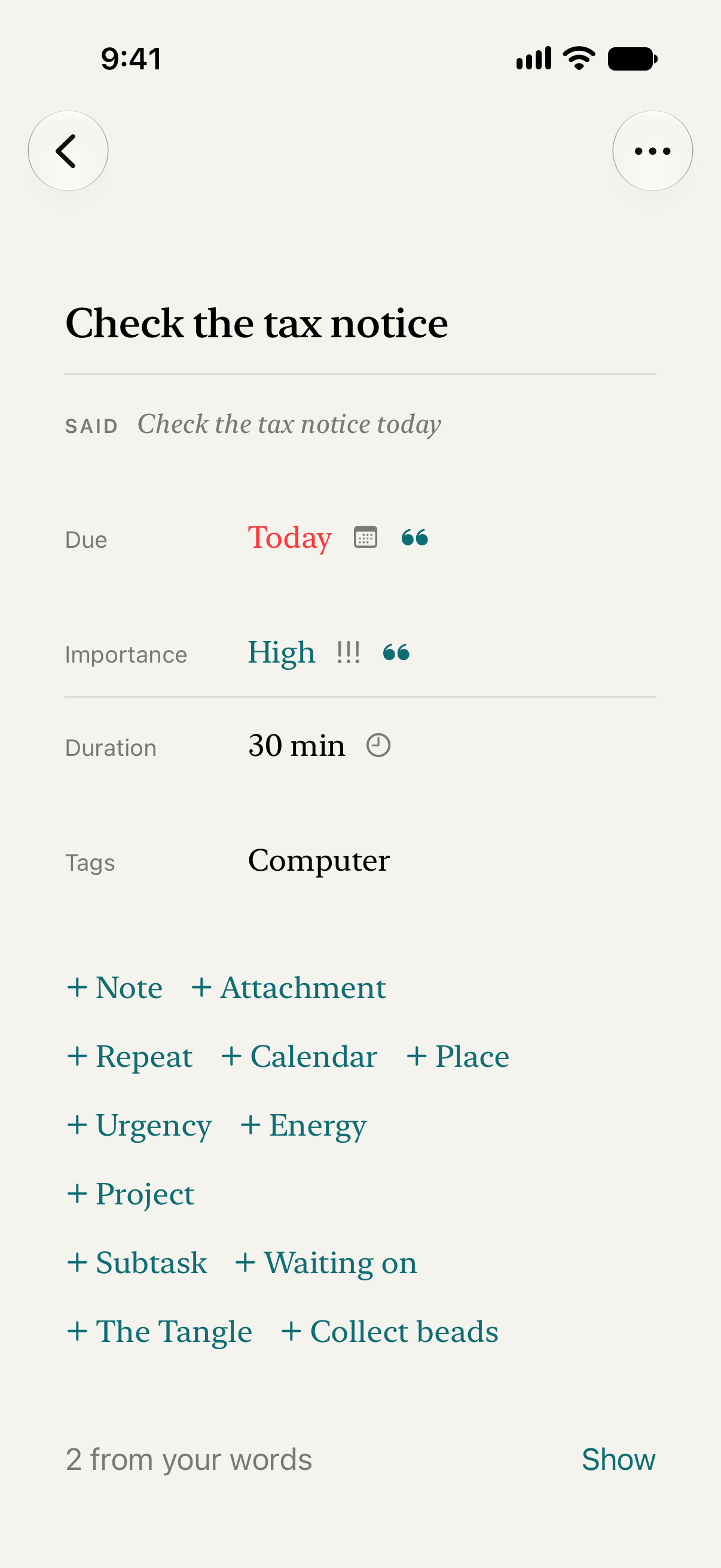
- It sorts itself. Due date, duration, importance and tag come from your sentence. Fixed rules first, Apple Intelligence on your device only where language needs understanding.
- It shows up when it fits. “Now” holds what fits this moment. Reminders come on the due day, or when you arrive at a place.
Loose Ends and Claude#
New in 1.0.2. Ask Claude what’s on today, plan your day together, or turn an email into tasks. Claude works only with what Loose Ends allows: it reads, captures, completes, reschedules and adds steps. It cannot delete anything. Every change runs on your own device, and the task shows you what Claude changed.
- In Loose Ends, open Settings › Claude and sign in with Apple.
- In Claude, open Settings › Connectors › Add custom connector. Name it Loose Ends and enter
https://loose-ends.henemm.com/mcp. - Sign in with Apple once more and choose Allow access.
“What’s on for today?”
Private by design#
Analysis runs on your device, and your tasks live in your own iCloud. Only if you connect Claude is a copy of your open tasks kept on our server in Germany: titles and fields, never your original sentence, notes or attachments. “Delete account” in Settings › Claude removes it. Privacy policy
At a glance#
- Devices: iPhone, iPad, Mac, Apple Watch
- Requires: iOS, iPadOS, macOS and watchOS 27
- Languages: English, German
- Price: Free